Starting Tuesday, September 30, 2025, the Social Security Administration (SSA) will stop mailing paper checks for most federal benefit payments and transition to electronic payments. This change is being implemented directly by the SSA, so this courtesy reminder is to help you avoid missing your next payment.
If you are still receiving a paper check via Social Security, Veterans benefits, or any other Federal benefit, setting up direct deposit is fast and easy.
To set up your SSA direct deposit, visit the Go Direct® government site HERE:
- Scroll down and select “Click” under “Enroll Today.”
- Select “Agree” followed by “General Public.”
- Complete the application.
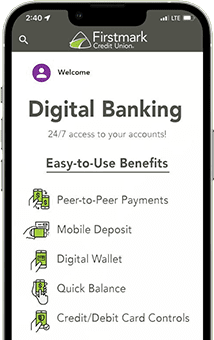
NOTE: Routing Number will be 314088556. To locate your account number, log in to Digital Banking and click “Details” within the share you choose (see below).

If you have any questions or need assistance during regular business hours, we are happy to help at (210) 442-0100, at your nearest branch, or via secure message through Digital Banking.
We appreciate your membership and look forward to serving you.